
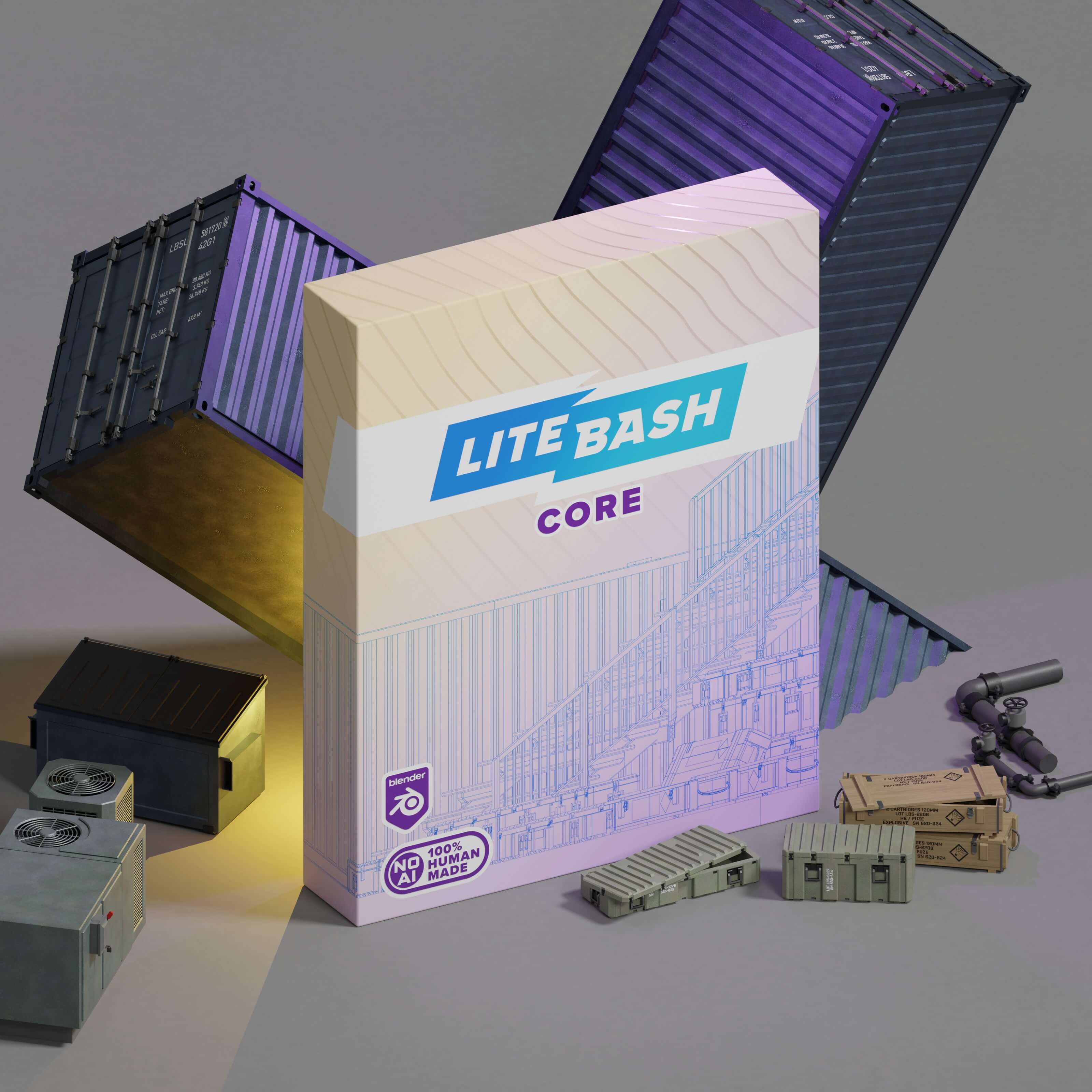
LiteBash Core
Early Access What does it mean?
- Current version: v042
- Current size: ~18,6 MB
- Number of assets: 53
- Type: Blender Asset Library
- Software support: Blender 4.5+
Main Features
Lightweight & Optimized.
Your scene should not fight your hardware.
Our average asset is just 50 KB. Perfect for fast kitbashing, fast iterations, and even direct use in games.
No AI.
Built by real artists, not computers.
If you want control, clean topology, and assets you can trust in production - this is for you.
One. Simple. Fee.
Unlimited commercial use for concepts, client work, bespoke scenes, environments, and asset assembly.
No subscriptions. No tricks.
Built for Blender.
Made specifically for Blender 4.5+.
Clean naming. Organized structure. Integrated asset library. Efficient procedural materials. Drag. Drop. Create.
All features
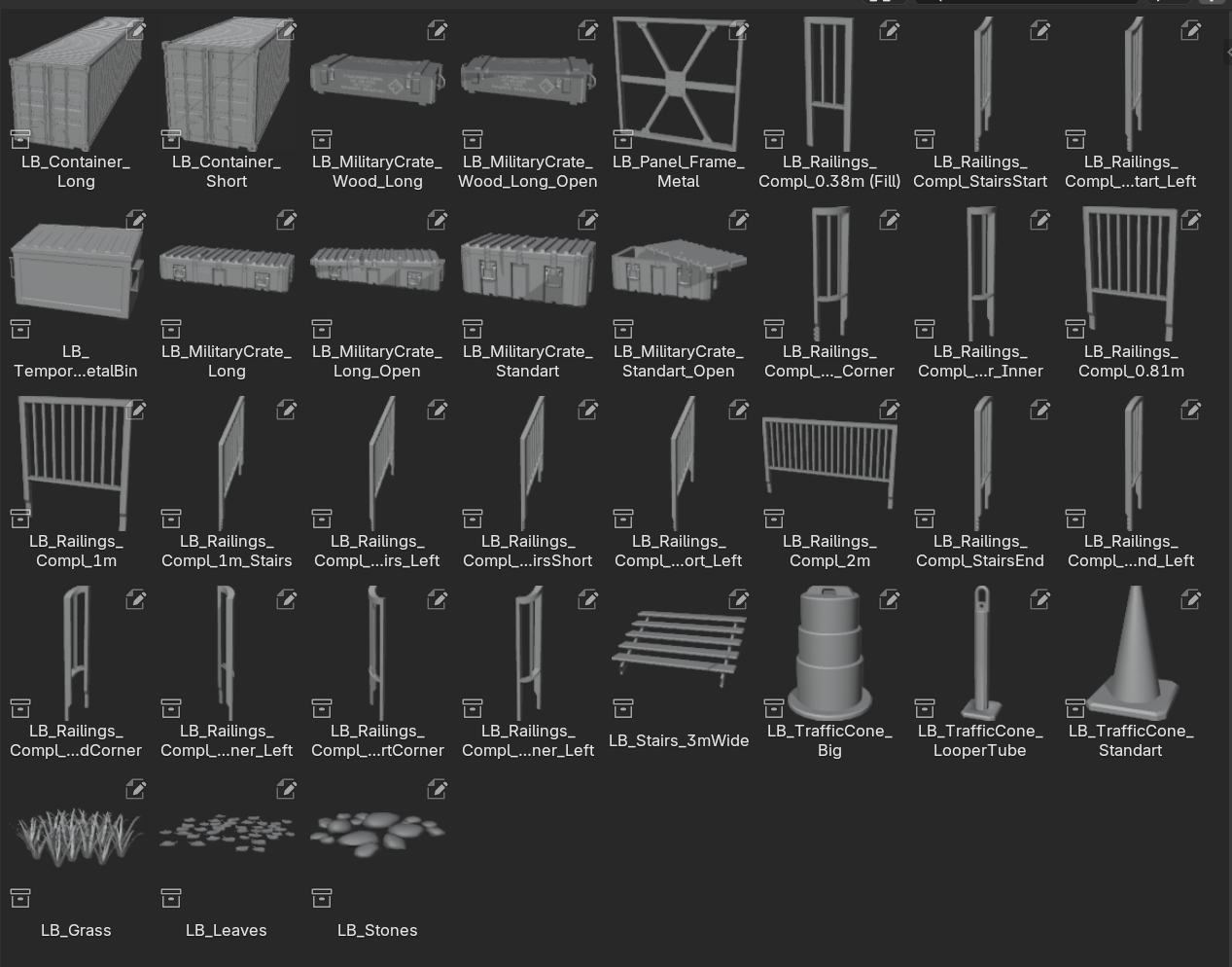
Create faster
Works as a structured Blender Asset Library.
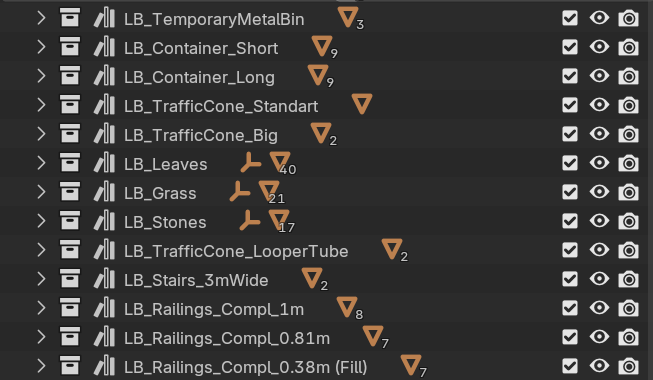
Stay in flow
Well-structured and named collections.
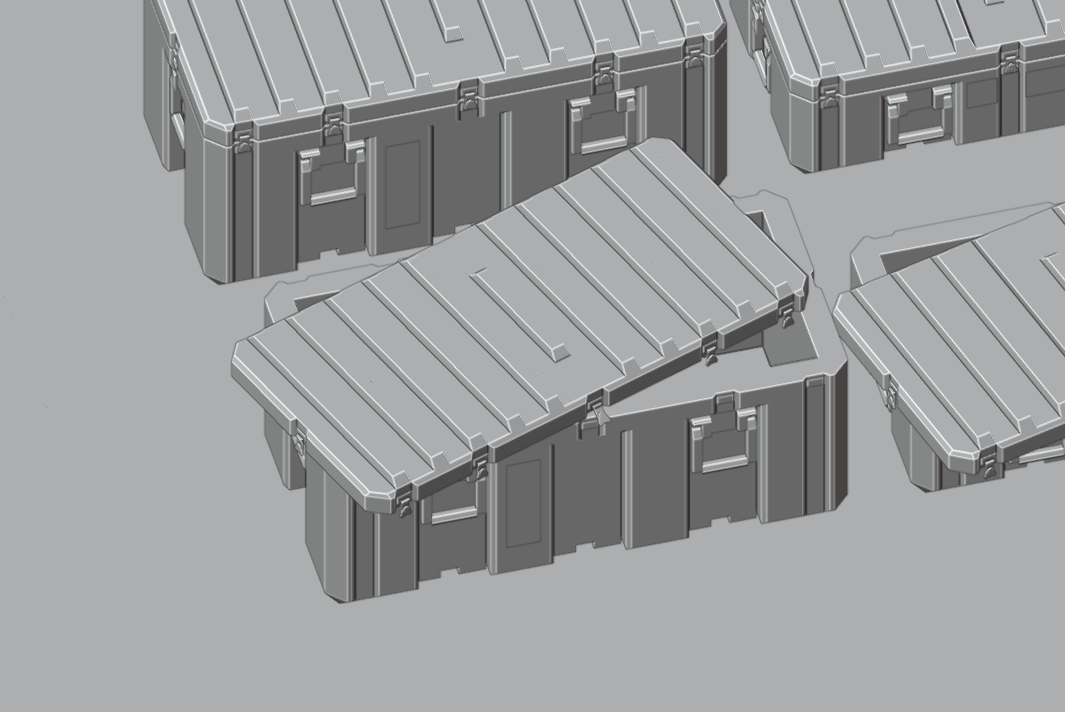
No cleanup required
Correct polygon face orientation.
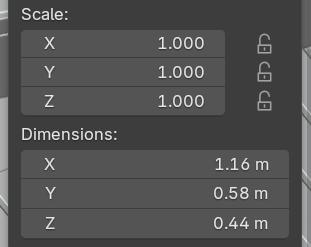
Drop and go
Normalized location, rotation and scale.
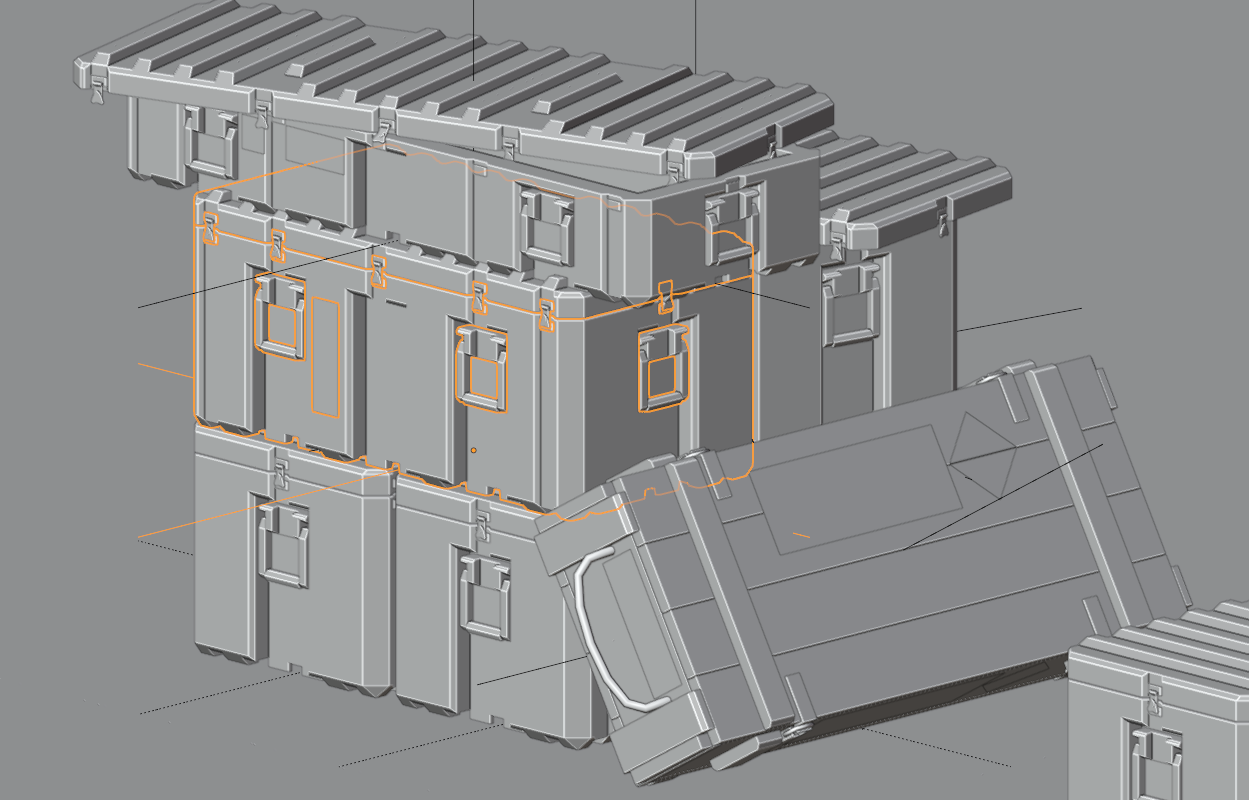
Build modular scenes effortlessly
Intentionally set origins for precise placement.
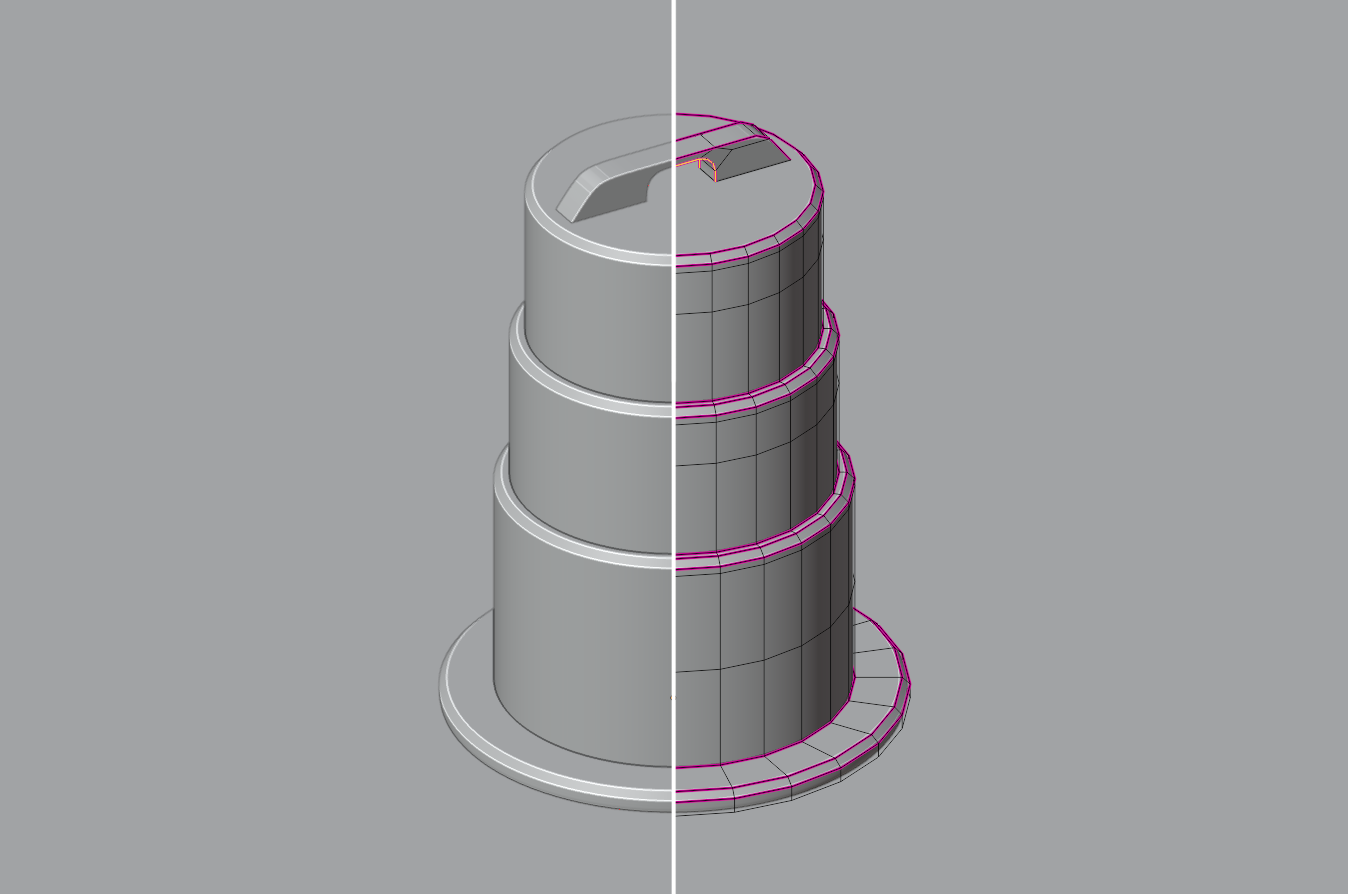
Subdivision without limits
Prepared for unlimited subdividing. (coming soon)
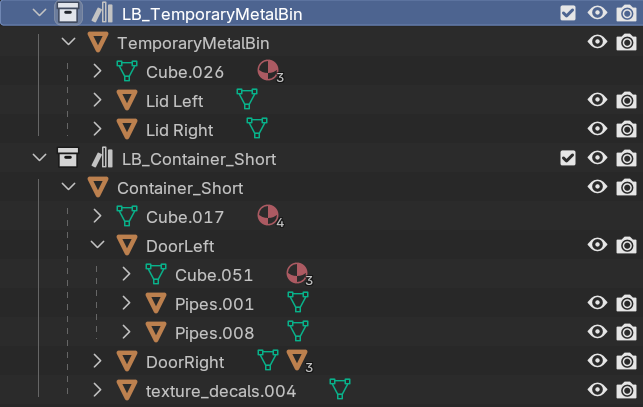
Keep complex scenes clean
Proper parent-child hierarchy.
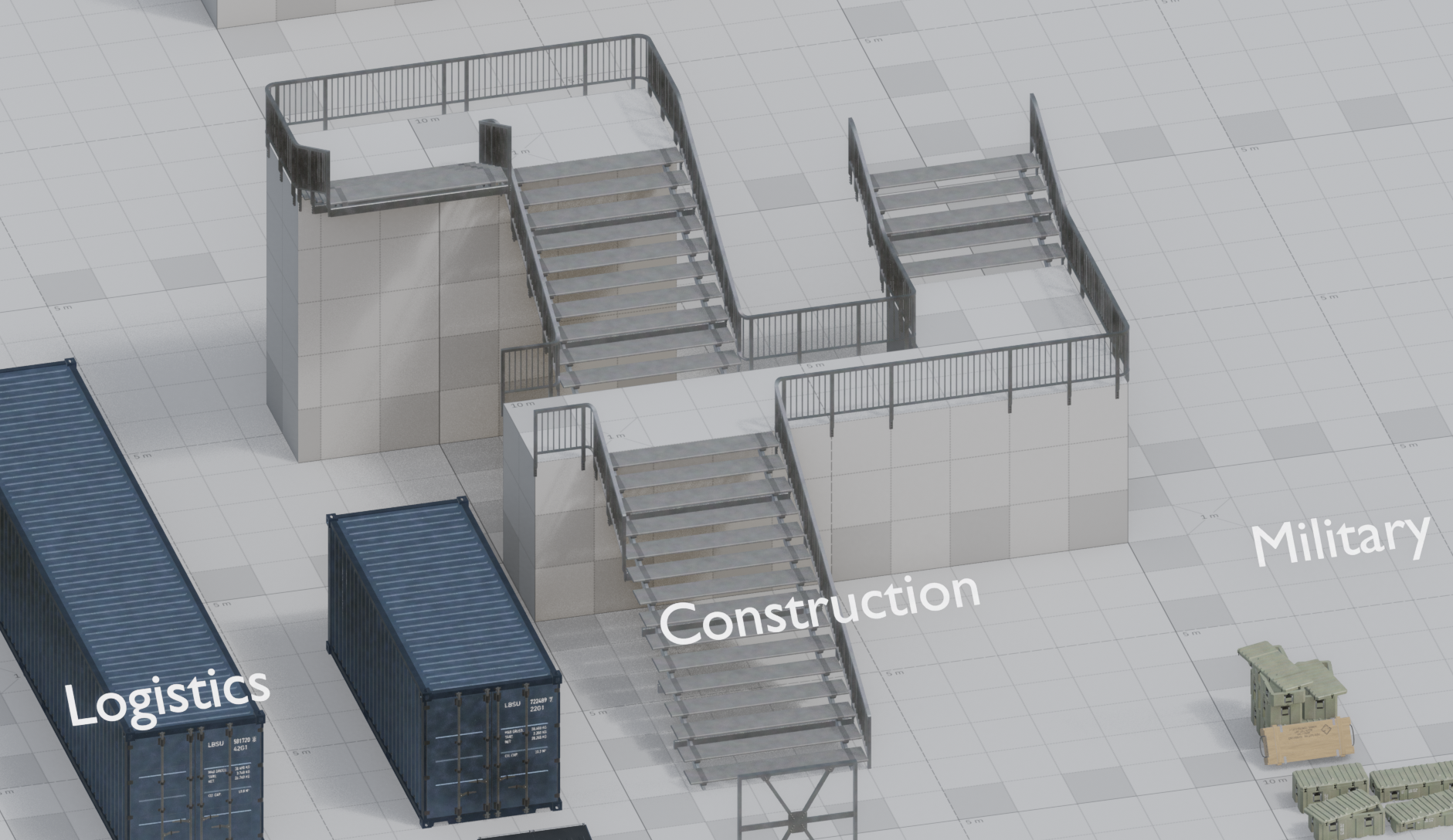
Your library keeps growing
New assets added every few weeks.
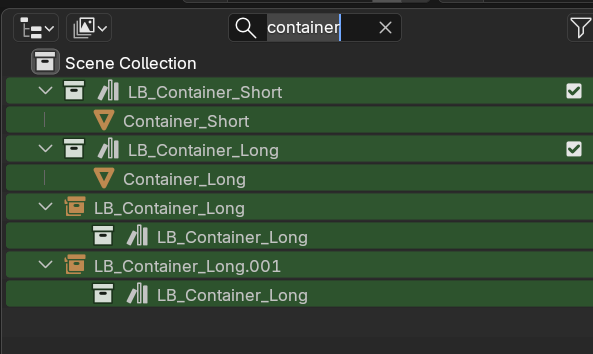
Find anything instantly
Easily searchable.
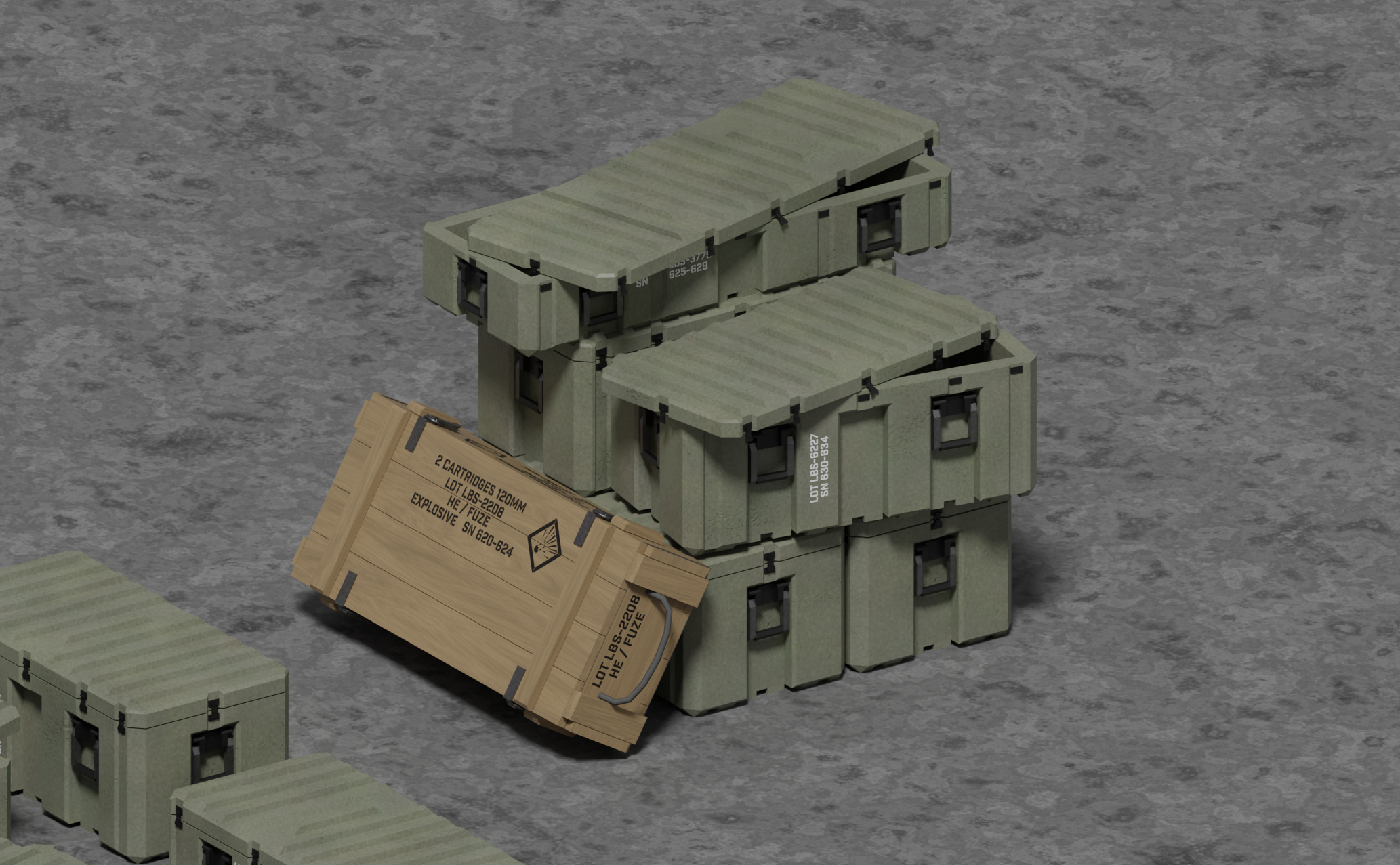
Built for real production
Tailored to concept artists, 3D artists, and game developers.
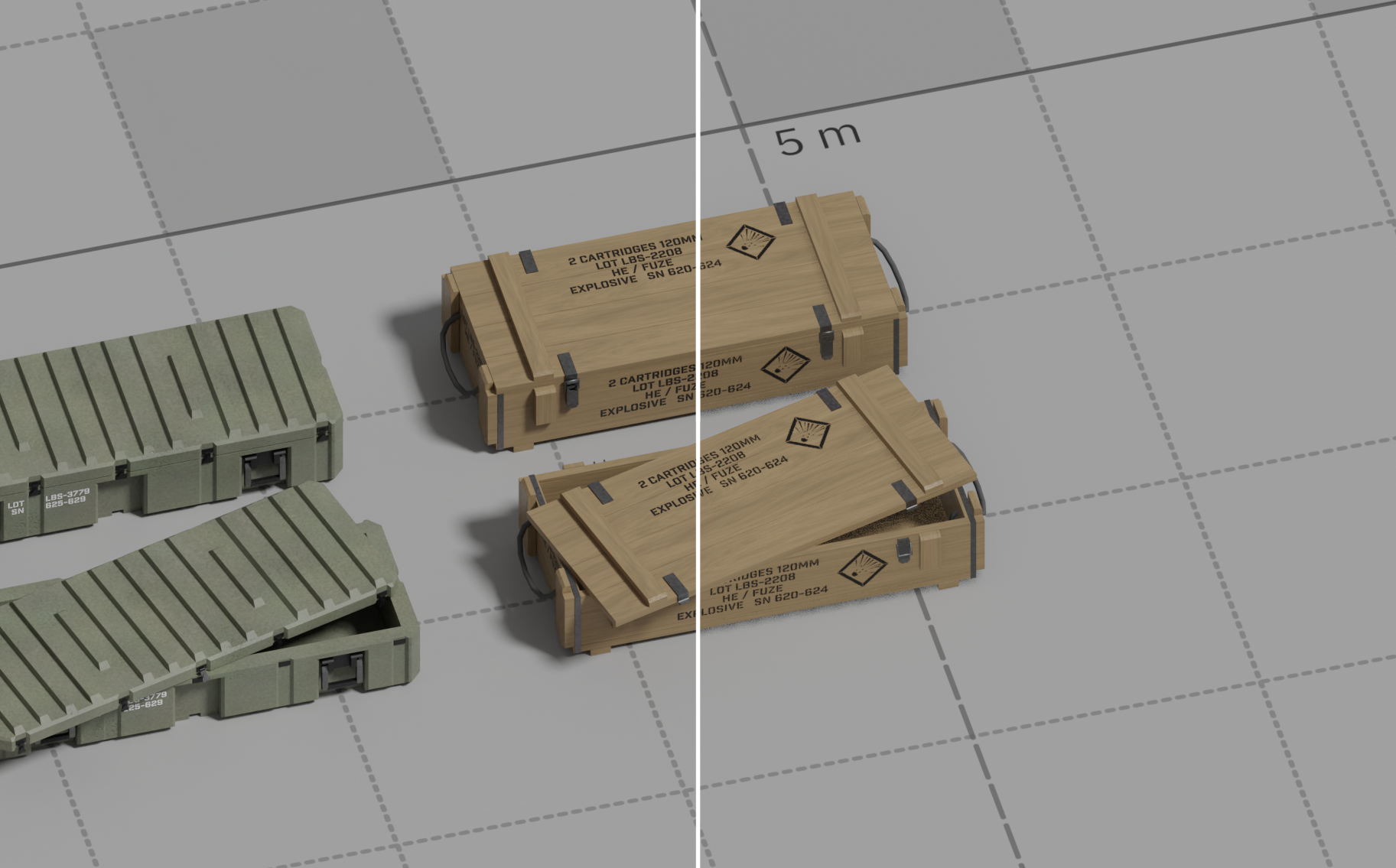
Render anywhere
Works in Eevee and Cycles
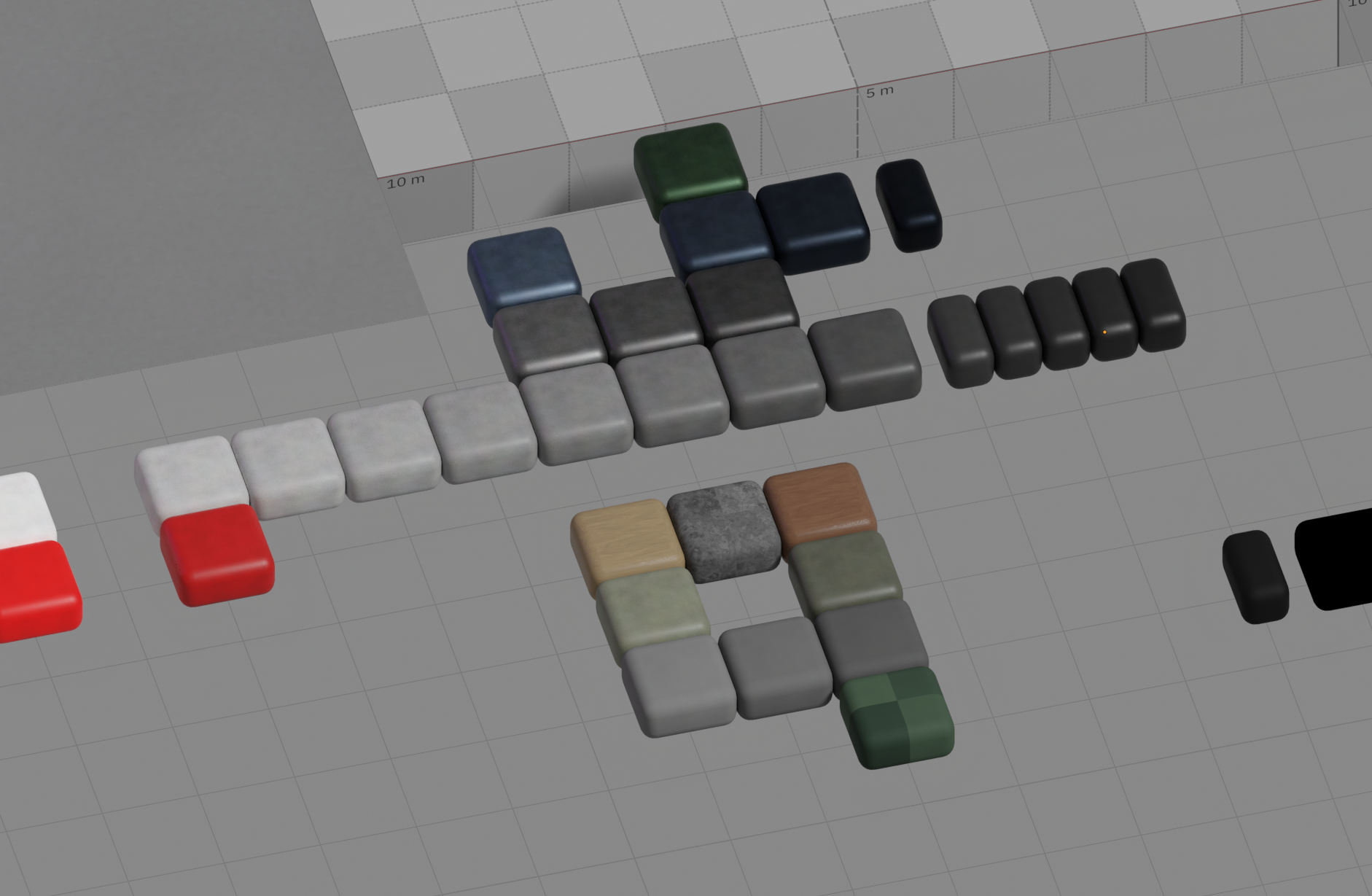
Materials that scale with your scene
Efficient procedural materials driven by object coordinates
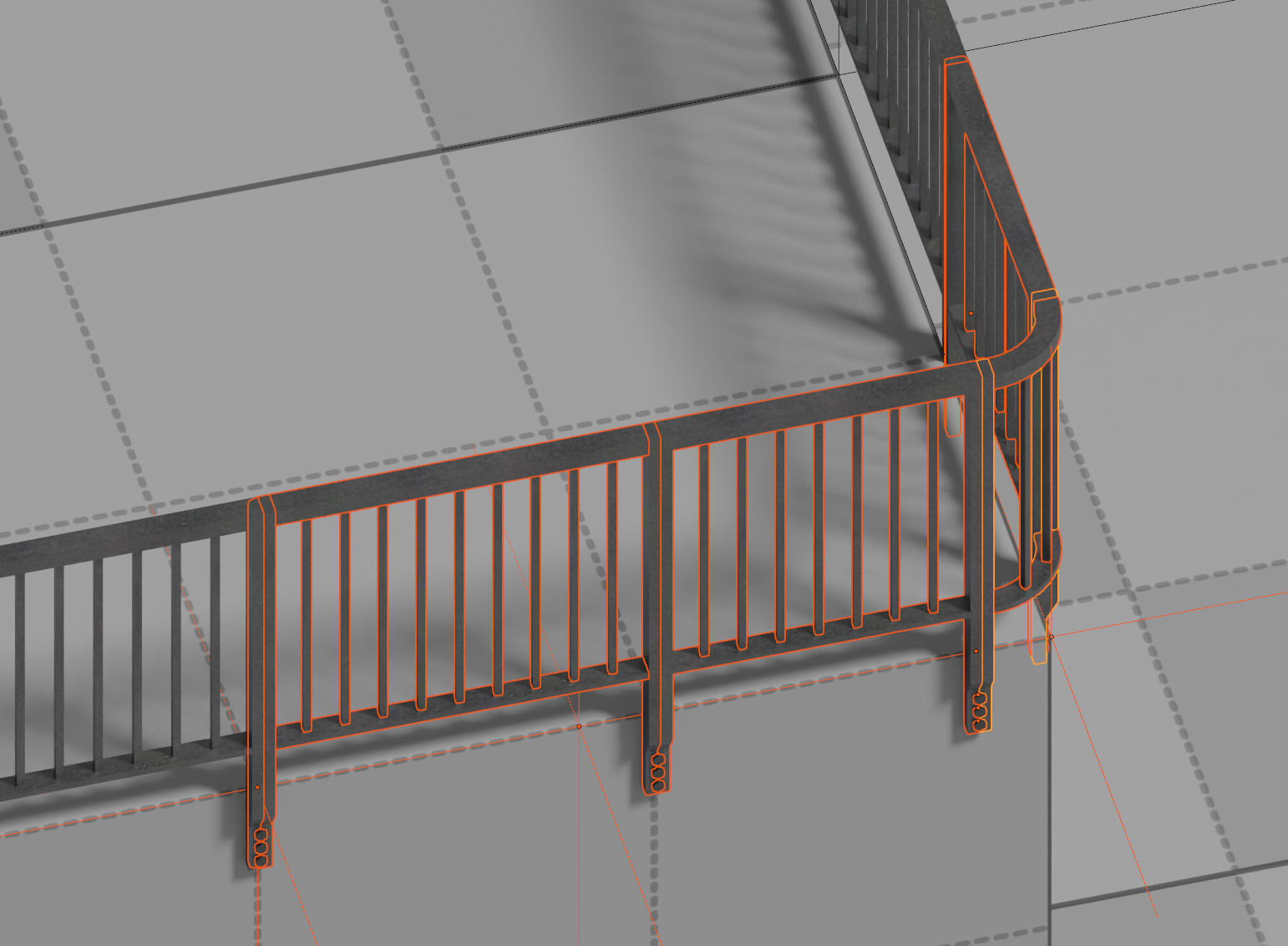
Perfect tiling every time
Smart connections for tileable assets
Frequently Asked Questions
How can I use the LiteBash Library as an Asset Library?
Step 1: In the main top menu, choose Edit > Preferences.
Step 2: In the sidebar menu, choose File Paths.
Step 3: In the Asset Library section, click the [+] icon in the top-right corner.
Step 4: Select the folder containing the LiteBash Library content.
Step 5: In the main Blender window, in any area, choose Data: Asset Browser from the top-left corner, or use the shortcut Shift + F1.
Can I use assets commercially?
Yes.
Can I use assets in a Game Development Studio or Company?
Yes - as long as each artist who works directly with the assets has their own license. Learn more about our simple license.
What does the license cover?
-
The license covers unlimited commercial use for
concepts and bespoke 3D scenes, asset assembly,
and environments.
- Also one direct use in your indie game. Learn more about our simple license.
Can I resell assets?
No.
Are updates free?
Yes. LiteBash is constantly being updated. As Early Access, the earlier you buy, the more assets you receive.
Can I train AI on LiteBash assets?
No.
LiteBash & Early Access
LiteBash is always being updated. The earlier you buy it, the more value you get. Your purchase also encourages our team to keep updates on schedule.
Ready to start building worlds?
Buy the latest version
Nobody earns a commission for sending you here. Instead, the marketing works the other way around: if you tell two people about LiteBash, you get rewarded.
Get 20% off with the discount code
ITOLD2PEOPLE.
Learn more about our simple license.
Contact
For general support, discussions, or asset inquiries, visit our Discord Server.
For support with purchased products, feel free to contact us
via email
litebashcomgmailcom.